Do You Need an App for Camera Vital Signs?
Do camera-based vital signs require a patient app? A practical guide to when browser-based capture is enough, when an app helps, and what telehealth teams should actually buy.
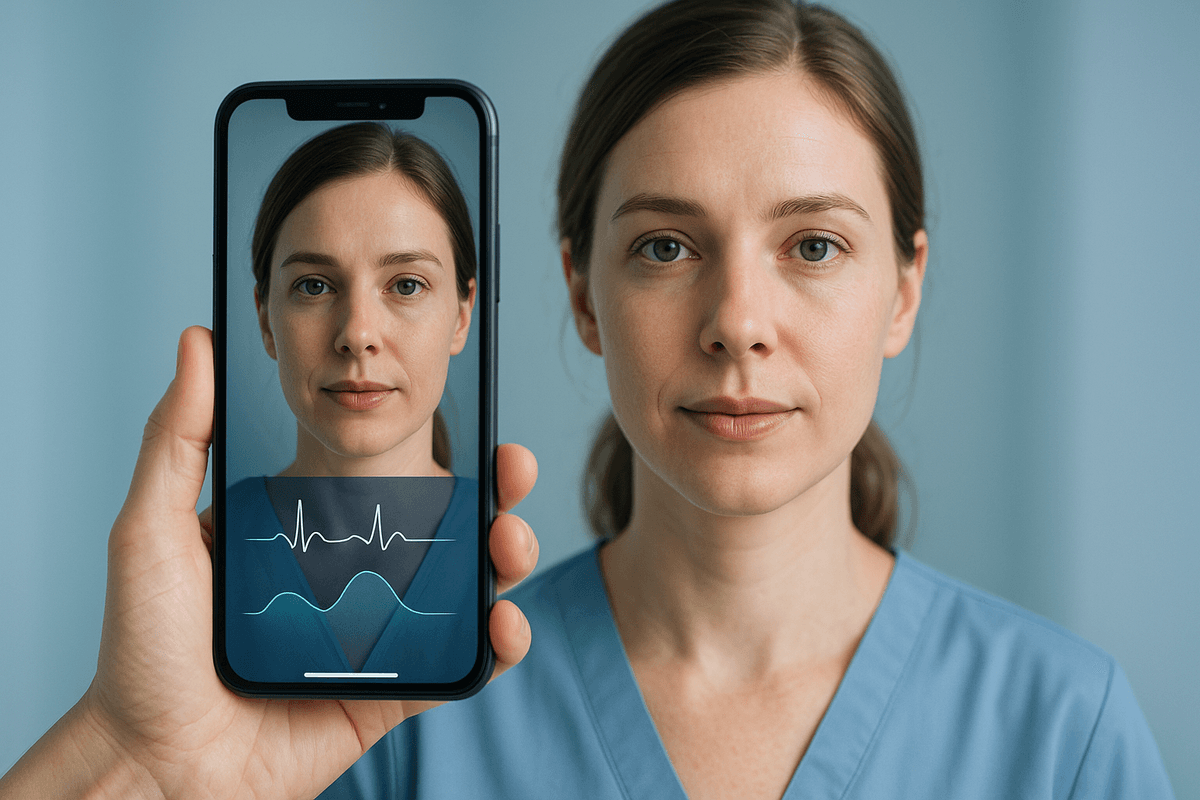
Usually, no, you do not need a dedicated app for camera-based vital signs. If the goal is a quick heart rate or respiratory-rate check during a telehealth visit, a browser-based flow is often the better product because it removes download friction and gets more patients to complete the step.
The catch is that "no app needed" is not the same as "no product work needed." Camera vital signs still need good lighting guidance, identity handling, signal-quality checks, and a plan for what happens when the reading is weak. The teams that get this right do not obsess over whether it is an app or a web page. They obsess over whether the patient can finish the measurement correctly on the first try.
The Wrong Question: App or No App
A lot of buyers frame this like a platform decision. Native app or web app. iPhone or Android. SDK or standalone portal. That is too shallow.
The real question is this: what workflow are you trying to support?
If you are asking a patient to measure one or two vitals before a virtual visit, a full app download is often overkill. If you are asking that same patient to check in every day for 30 days after discharge, receive reminders, review trends, and escalate symptoms, then an app starts making more sense.
This is the same distinction that separates consumer camera heart-rate apps from clinical telehealth tools. A simple phone app can read pulse from a fingertip with decent accuracy at rest, as covered in how a phone camera measures heart rate and our heart rate app accuracy comparison. But telehealth rPPG is a different product problem. It asks a patient to sit in front of a camera, follow instructions, stay still, and generate a usable signal without touching the lens. That workflow lives or dies on usability.
For a broader view of the technology stack, see contactless vital signs in telehealth and our camera-based rPPG overview.
Where Browser-Based Capture Wins
For most telehealth organizations, browser-based capture should be the default starting point.
Why? Because download friction is brutal.
Every extra step drops completion:
- find the app store
- search for the right app
- install it
- allow camera permissions
- create or confirm credentials
- return to the visit flow
That is manageable for a chronic-care RPM program with ongoing engagement. It is a terrible idea for a one-time urgent-care visit, a pre-screen before a scheduled consult, or a quick triage step that should take 60 seconds.
Browser delivery lets you text or email a secure link, open the front-facing camera, run signal checks, and attach the result to the visit. That is cleaner for patients and cheaper for operations teams. It also avoids one of the dumbest enterprise mistakes in digital health: building a native app that exists mostly to host a camera permission screen.
A telehealth workflow is not improved just because it lives in an app shell.
Where an App Actually Helps
There are still good reasons to build or deploy an app.
1. Repeated monitoring
If patients are expected to measure daily or multiple times per day, an app can improve adherence through reminders, saved preferences, and simpler repeat launches.
2. Device pairing or multimodal workflows
If the patient also needs a cuff, pulse oximeter, thermometer, or scale, an app becomes more useful because it can aggregate multiple inputs. This matters in more complex remote monitoring programs discussed in remote monitoring of vital signs with PPG and PPG home telehealth monitoring.
3. Better camera control
Native apps can sometimes manage exposure, frame rate, and device-specific behavior more consistently than mobile web flows. That can help signal quality, though the gain varies by device and OS.
4. Identity and compliance workflow
Apps can support persistent authentication, consent capture, and longitudinal data review more smoothly than a fresh browser session each time.
5. Offline or unstable connectivity
If users operate in poor-network environments, apps can cache workflow state and sync later.
These are valid reasons. But notice what they have in common: they are workflow and operations reasons, not proof that the physiology is better in an app.
Accuracy Is Mostly About Signal Quality, Not the App Store
The physics does not care whether your software came from the App Store or a browser tab. rPPG accuracy depends on the face being well lit, stable in frame, and captured at enough quality for the algorithm to extract small color changes.
That is why the best evidence focuses on measurement conditions, not packaging.
Coppetti and colleagues showed that smartphone camera heart-rate measurement can perform well against ECG under controlled conditions, particularly for fingertip contact PPG, with some apps achieving tight agreement at rest (DOI: 10.1177/2047487314557718). Sarhaddi et al. later reviewed smartphone photoplethysmography studies and found that contact approaches remain more accurate than camera-at-a-distance methods, especially when motion and lighting worsen (DOI: 10.3390/s22030890).
For telehealth-style non-contact capture, Blackford and Ng reported that remote heart-rate measurement is feasible in virtual-care settings, but performance still depends heavily on patient setup and capture quality (DOI: 10.1007/s10439-021-02762-9). Amelard et al. made the same point in a more clinical population: camera-based vital signs can work, but subgroup performance is uneven, which means quality controls matter more than marketing copy (DOI: 10.1038/s41746-022-00606-z).
That is the practical takeaway. If your browser flow gives excellent positioning guidance and rejects weak signals, it will beat a sloppy native app. Every time.
What Buyers Should Evaluate Instead of "Do You Have an App?"
When a vendor pitch gets stuck on app versus browser, move the conversation to the stuff that actually matters.
Measurement questions
- Which vital signs are validated today?
- Under what lighting and device conditions?
- What is the failure rate, not just the average error?
- How does performance change by movement, age, and skin tone?
Workflow questions
- Can a patient complete the capture in under 90 seconds?
- What percent of first-time users succeed without staff help?
- What happens when signal quality is low?
- Can the result be saved directly into visit documentation or the EHR?
Governance questions
- Is this for wellness, screening, or clinical decision support?
- What claims are regulatory-cleared versus aspirational?
- How are consent, retention, and camera data handled?
Those questions are much more revealing than asking whether the vendor has an app icon.
The Best Use Cases Without an App
Some workflows are especially well suited to browser-first camera vitals.
Virtual urgent care triage
A patient clicks a link before the clinician joins. The system captures heart rate and maybe respiratory rate, checks symptom intake, and flags whether a higher-acuity workup may be needed.
Specialty telehealth intake
Dermatology, endocrinology, and behavioral health often do not need a medical-grade monitor, but an intake pulse or stress-related physiology marker can still be useful for context.
Pre-visit screening
Before cardiology or sleep consultations, a quick guided measurement can collect basic physiological context without shipping hardware.
Marketing-to-clinical conversion
Some digital health companies use browser capture as an initial low-friction demo, then escalate high-value patients into a fuller RPM workflow with connected devices.
All of these benefit from low friction. None obviously require an app.
When Skipping the App Becomes a Mistake
There are also cases where browser-only becomes too thin.
If you are running a serious longitudinal monitoring program, you usually need more than a momentary face scan. You need reminders, adherence logic, symptom journaling, escalation pathways, patient support, and sometimes hardware integration.
For example, if oxygen saturation matters, camera-only capture is still shaky compared with validated pulse oximetry. The safer model is often camera-based heart rate plus a connected or standalone oximeter, as discussed in can a camera measure oxygen saturation and ambulatory oxygen saturation monitoring. In that case, an app may be the right home for the whole workflow.
The same is true if the program depends on reimbursement rules, documented monthly engagement, or staff review time. At that point you are not just measuring vitals. You are running operations.
My Recommendation
If you are evaluating camera vital signs for telehealth, start browser-first unless you have a strong reason not to.
That means:
- use a secure link-based measurement flow
- design around one successful first capture
- reject weak signals instead of pretending they are valid
- escalate to an app only when ongoing workflow demands it
This approach is faster to test, easier on patients, and more honest about the current state of camera physiology.
A lot of digital health teams want the native app because it feels more substantial. That is product vanity. Patients do not care. Clinicians do not care. Operations teams definitely do not care. They care whether the measurement works, whether it arrives in the right place, and whether it creates more headaches than value.
The Commercial Bottom Line
The reason this matters is simple. Adoption beats feature count.
A browser flow with slightly less polish but far better completion can create more real clinical value than a feature-heavy app that half your patients never finish installing. In early-stage programs, completion rate is often the hidden metric that decides whether camera vitals survive procurement.
So no, you probably do not need an app for camera vital signs.
You need a workflow that respects patient attention, a measurement engine that knows when the signal is bad, and a deployment model that fits the clinical job. If that ends up being a native app, fine. But do not start there just because it sounds enterprise.
References
- Coppetti T, Brauchlin A, Wyss CA, et al. "Accuracy of smartphone apps for heart rate measurement." European Journal of Preventive Cardiology (2015). DOI: 10.1177/2047487314557718
- Sarhaddi F, Azimi I, Axelin A, Liljeberg P, Rahmani AM. "Smartphone-based photoplethysmography: a systematic review." Sensors 22(3):890 (2022). DOI: 10.3390/s22030890
- Blackford EB, Ng JS. "Non-contact measurement of heart rate in telehealth visits." Annals of Biomedical Engineering (2021). DOI: 10.1007/s10439-021-02762-9
- Amelard R, et al. "Feasibility of camera-based vital signs measurement in clinical populations." npj Digital Medicine (2022). DOI: 10.1038/s41746-022-00606-z
Frequently Asked Questions
- Do patients need to download an app for camera-based vital signs?
- Usually no. For many telehealth workflows, a browser link is enough for a one-time heart rate or respiratory rate capture.
- When is a dedicated app worth it?
- An app helps when you need repeated daily measurements, push reminders, offline behavior, device pairing, or tighter identity control.
- Is browser-based rPPG accurate enough for telehealth?
- It can be accurate enough for screening and workflow support if lighting, positioning, and signal quality checks are handled well. It is not a replacement for every clinical monitor.
- Can a phone app improve camera vital sign accuracy?
- Sometimes, but not automatically. Better UX, camera control, and motion guidance can help, but weak algorithms still produce weak data.
- What vital signs work best without an app?
- Heart rate and respiratory rate are the most realistic starting points. Oxygen saturation and blood pressure remain much harder with ordinary cameras.
- Should health systems force app download before every telehealth visit?
- Usually not. Extra friction hurts completion rates, especially for older patients or one-time encounters.